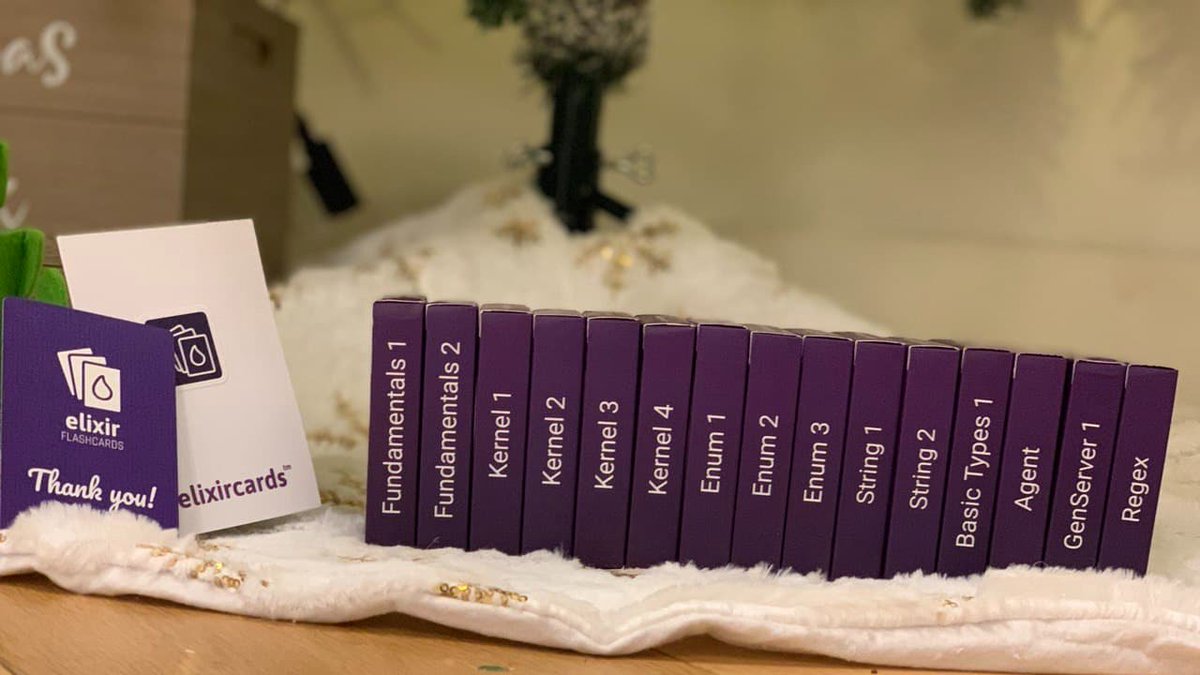
Custom Markdown Components
This post tests all the custom markdown components available in this blog 🔥.
Keyboard Shortcuts
You can display keyboard shortcuts inline. Press Cmd+K to open search, or use Ctrl+Shift+P for the command palette.
Common shortcuts:
- Copy: Cmd+C
- Paste: Cmd+V
- Save: Cmd+S
- Undo: Cmd+Z
YouTube Embeds
Embed YouTube videos with a simple shortcode. Use [center] for smaller or [full] for full width:

Images with Captions
Display images with proper figure/figcaption markup:

You can also use it without a caption:
Alignment Options
Control image alignment with [left], [center], or [full]:
Image Grid
Display multiple images side-by-side with ::grid. Use ::grid[60%] to set width, and wrap with ::center to center:
Code Block
type Config struct {
    BaseURL     string
    PublicPath  []string
    PrivatePath []string
}

var wg sync.WaitGroup
wg.Add(len(config.PublicPath))

for _, path := range config.PublicPath {
    go func(p string) {
        defer wg.Done()
        checkEndpoint(p, true)
    }(path)
}

wg.Wait()
😄
Code Tabs
Show the same example in multiple languages with a tabbed interface:
func hello() {
    fmt.Println("Hello, World!")
}
def hello(): Unit = {
    println("Hello, World!")
}
def hello do
  IO.puts("Hello, World!")
end
File Trees
Display directory structures with syntax highlighting:
Another example with an Elixir project:
Comparison Tables
Display tables with winner highlighting for comparisons:
| Framework | Build Time |
|---|---|
| Vite | 0.5s |
| Webpack | 3.2s |
| Parcel | 2.1s |
The first data row is automatically highlighted as the "winner" with green styling.
Callout Boxes
Display notes, warnings, and tips:
This is a note with important information that readers should be aware of.
Be careful with this approach as it may have unintended side effects.
Pro tip: use this pattern for better performance in production.
Collapsible Sections
Hide content that can be expanded on click:
Show implementation details
This content is hidden by default. You can put code examples, lengthy explanations, or optional information here.
It supports markdown formatting inside too, including badges: Elixir OTP 26
Terminal Output
Display command-line interactions:
❯ mix compile
Compiling 5 files (.ex)
warning: variable "foo" is unused
** (CompileError) undefined function bar/0
Custom orange with hex
Info: Build completed
Quotes with Attribution
Simple made easy.
The best way to predict the future is to invent it.
Diff Blocks
Show code changes with additions and removals:
def hello(name) do IO.puts("Hello #{name}")enddef hello(name, greeting \\ "Hello") do IO.puts("#{greeting}, #{name}!") :okend
Badges
Inline labels for versions and status: v2.0.0 deprecated beta new
You can also use plain badges: MIT License TypeScript
Language Badges
Display programming languages with their icon and brand color:
Rust Go Python TypeScript JavaScript Elixir
More languages:
Java Scala Ruby Swift Kotlin C# C++ C PHP
Haskell Clojure Erlang Zig
DevOps & Infrastructure:
Docker Kubernetes Terraform Ansible Helm Prometheus Grafana Nginx
Databases:
Redis PostgreSQL MySQL MongoDB Elasticsearch RabbitMQ
Cloud:
AWS Azure GCP
Tooltips
Inline hover definitions for technical terms: Working with IAM policies in K8s clusters requires understanding RBAC.
Mermaid Diagrams
Flowcharts and diagrams rendered inline:
Sequence diagrams:
GitHub Gist
Embed GitHub Gists with syntax highlighting:
Stats Cards
Display metrics with prominent values. Use ::grid for full-width grid:
Or use inline for individual stats:
Link Cards
Rich link previews for external resources. Use ::grid for side-by-side:
Image Comparison
Drag to compare before and after images:
After
 Before
Steps
Display step-by-step instructions with numbered indicators:
Timeline
Display chronological events with a vertical timeline:
Joined the platform team Elixir K8s
Built the real-time notification system Phoenix
Started career Elixir PostgreSQL
First exposure to functional programming
Combining Components
You can use these alongside regular markdown:
Pro tip: Use Cmd+Shift+F to search across all files in your project.
Install dependencies with Cmd+Shift+P and select "Install". Requires Node 18+ or Bun.
This feature is beta and requires v2.0.0. Press Cmd+K to enable experimental mode.
Version compatibility
Supported runtimes: Node 18+ Deno Bun
Use Cmd+Shift+V to check your current version.
Dividers
Horizontal rules with centered text:
Some content between dividers.
Highlights
Mark important text in your content. You can also use colors:
- Default yellow highlight
- Orange for warnings
- Green for success
- Blue for info
- Purple for special
- Red for critical
Small Caps
Use small caps for abbreviations like HTML, CSS, and API. They work great for acronyms like REST or GraphQL.
Tweet Embed
Video tweet:


Text only tweet:
Image tweet: